SIM2Field XR App

The SIM2Field XR app is used for work preparation and to support the assembly and inspection of scaffolding structures on the construction site. By using 3D scaffolding models, paper plans are reduced and at the same time the flow of information to the construction site is optimised.
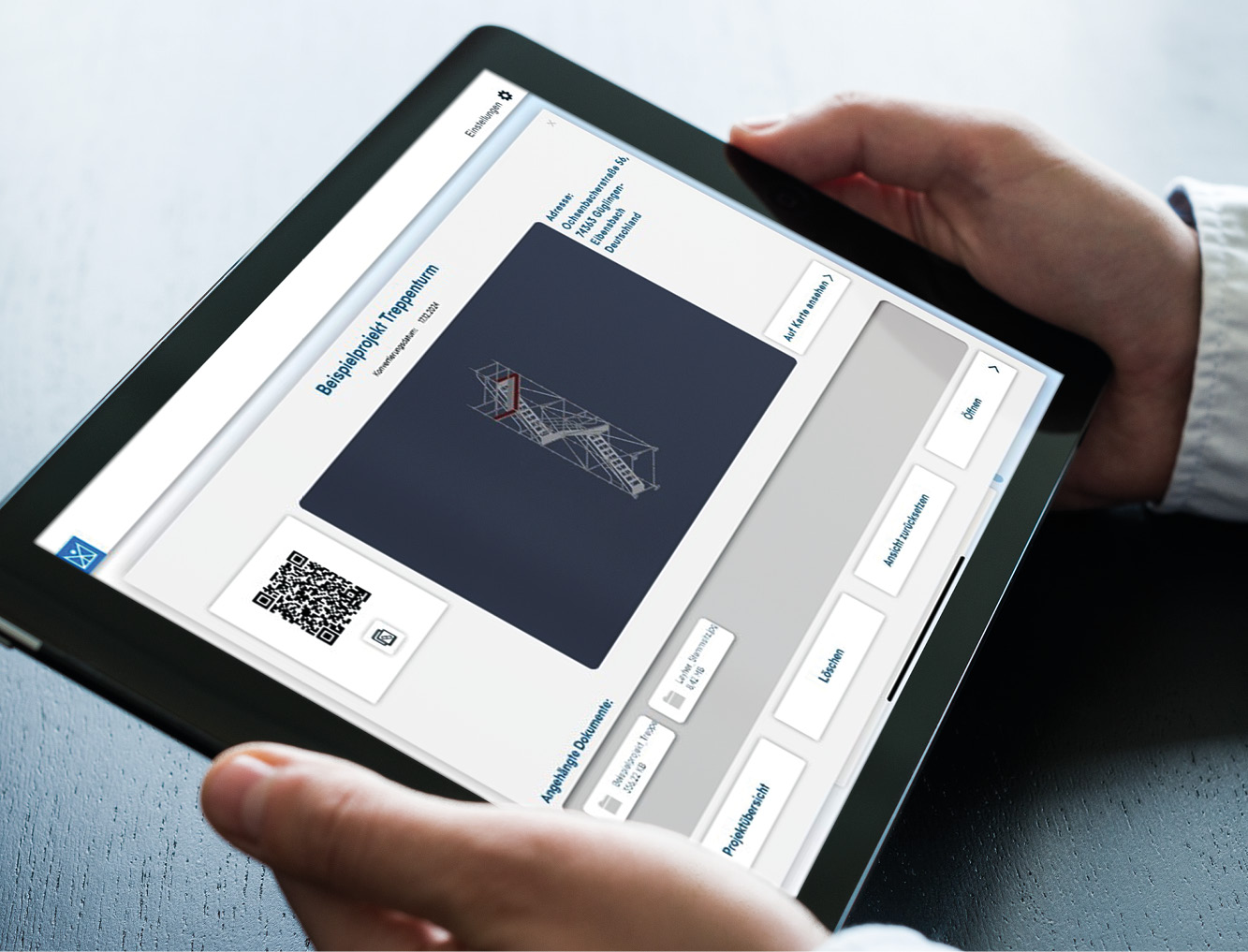
Project data is transferred directly from LayPLAN CAD via link or QR code.
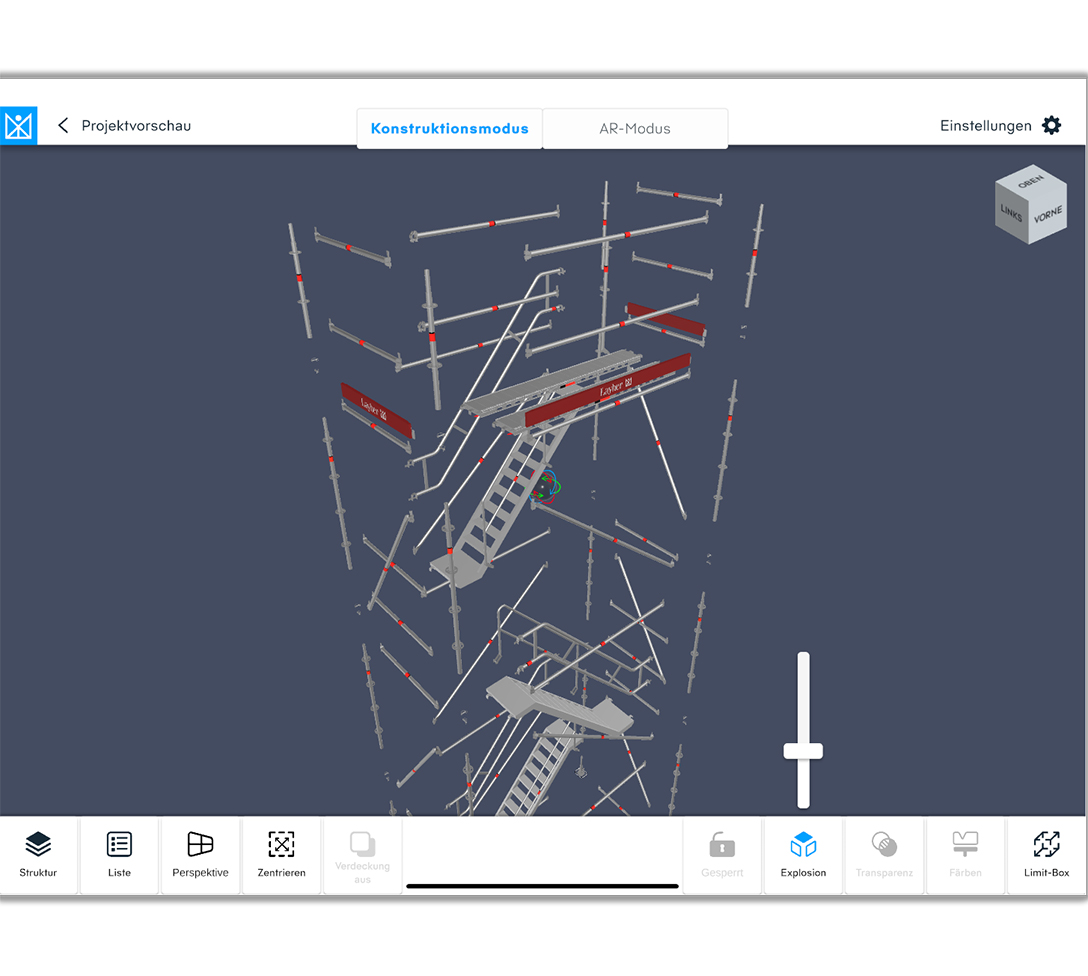
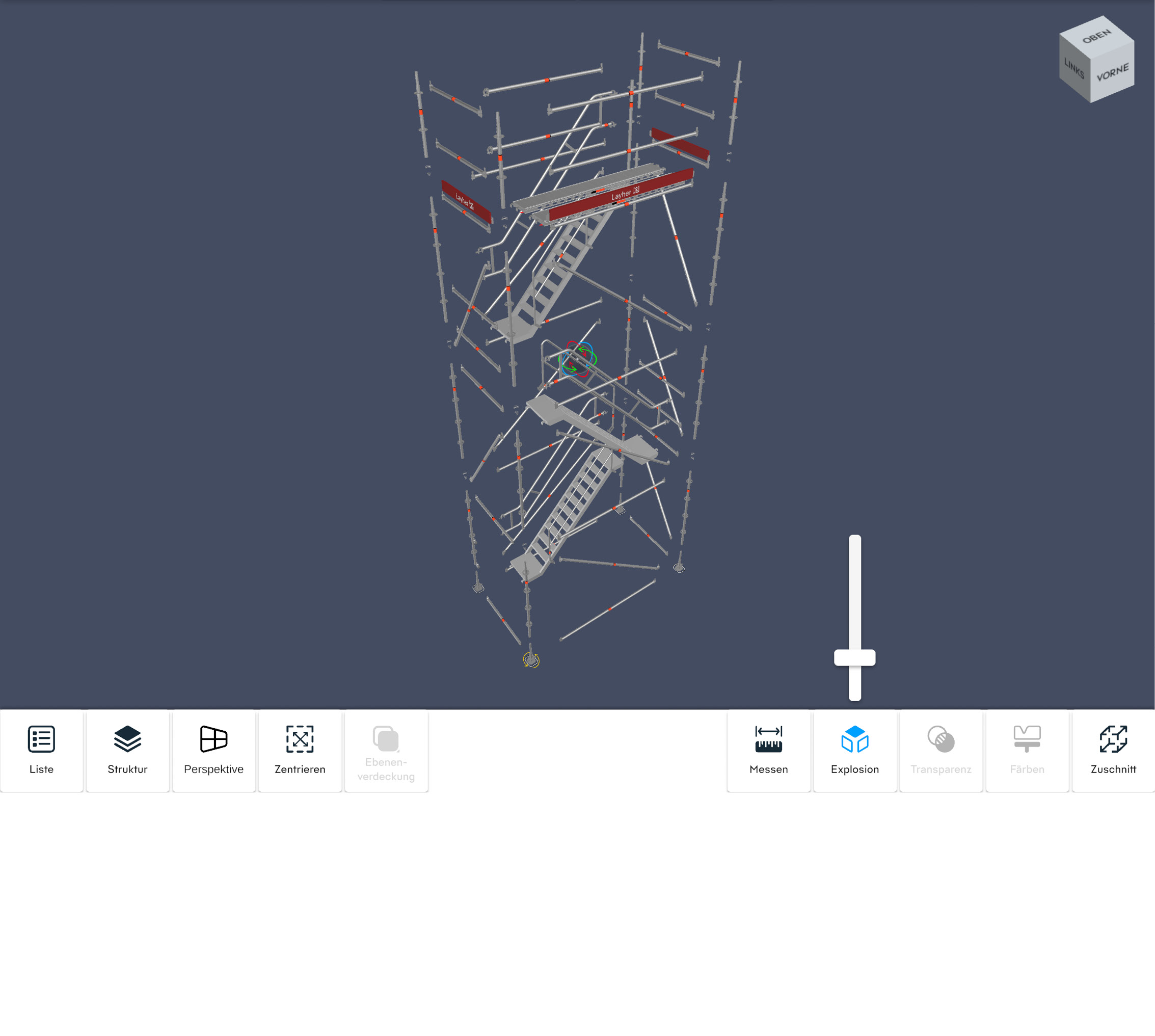
Various projects including associated project documents (PDF files, photos, etc.) can be provided in the app. The project data comes directly from LayPLAN CAD. This can be called up either via a link or a QR code and is then available offline on the mobile device. If an internet connection is available, the project data can be updated when changes are made. In the 3D models of the scaffolding structures, further information on the Layher scaffolding components is available in addition to the geometry. Among other things, the article designation, the article number and the component weight are displayed. The complete material list of the scaffolding construction can also be displayed.

Intelligent and interactive parts list function: All components of an item can be displayed in the design. These are highlighted in colour. Selected components can be shown/hidden. Parts list adapts automatically depending on the cut.
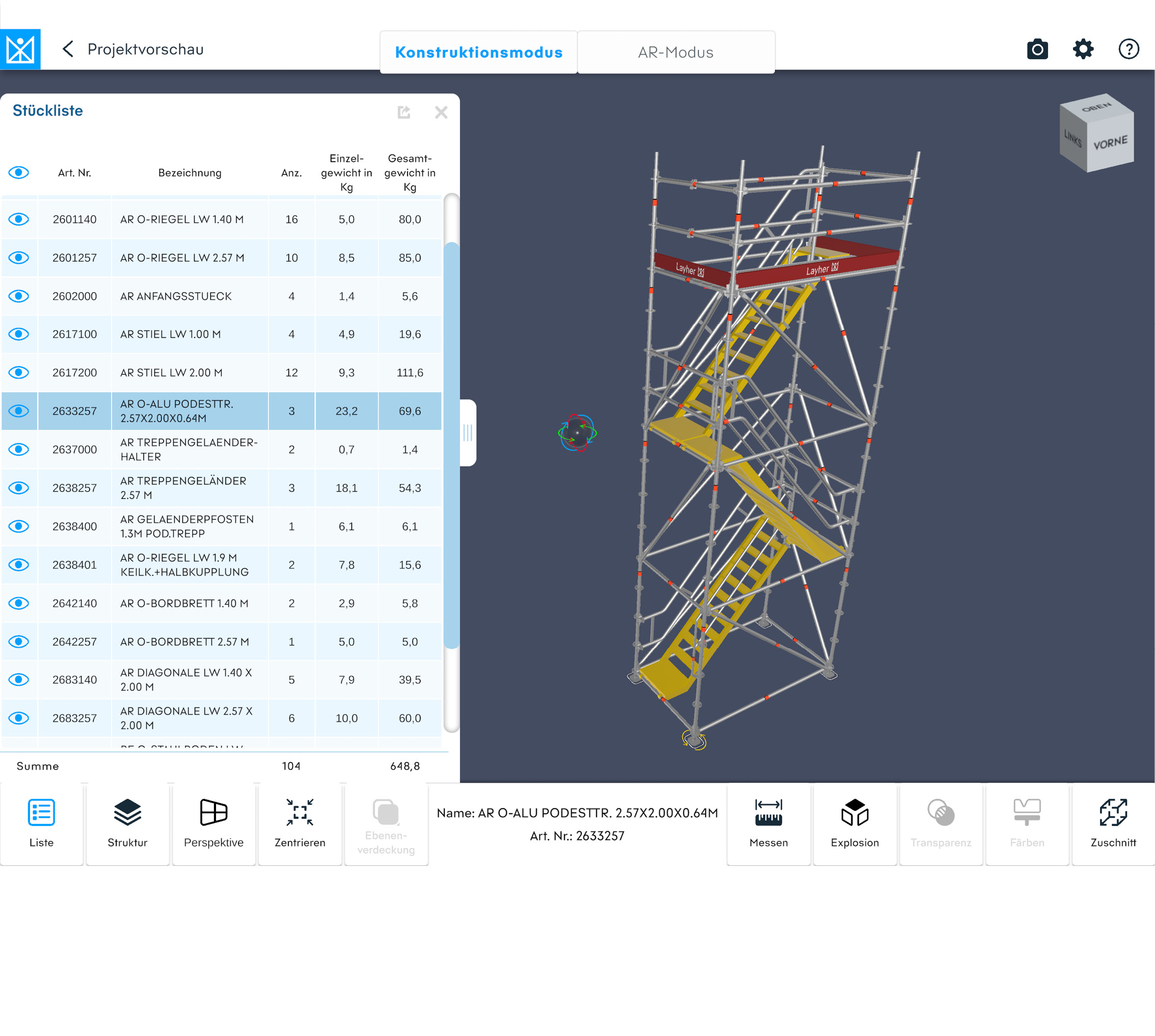
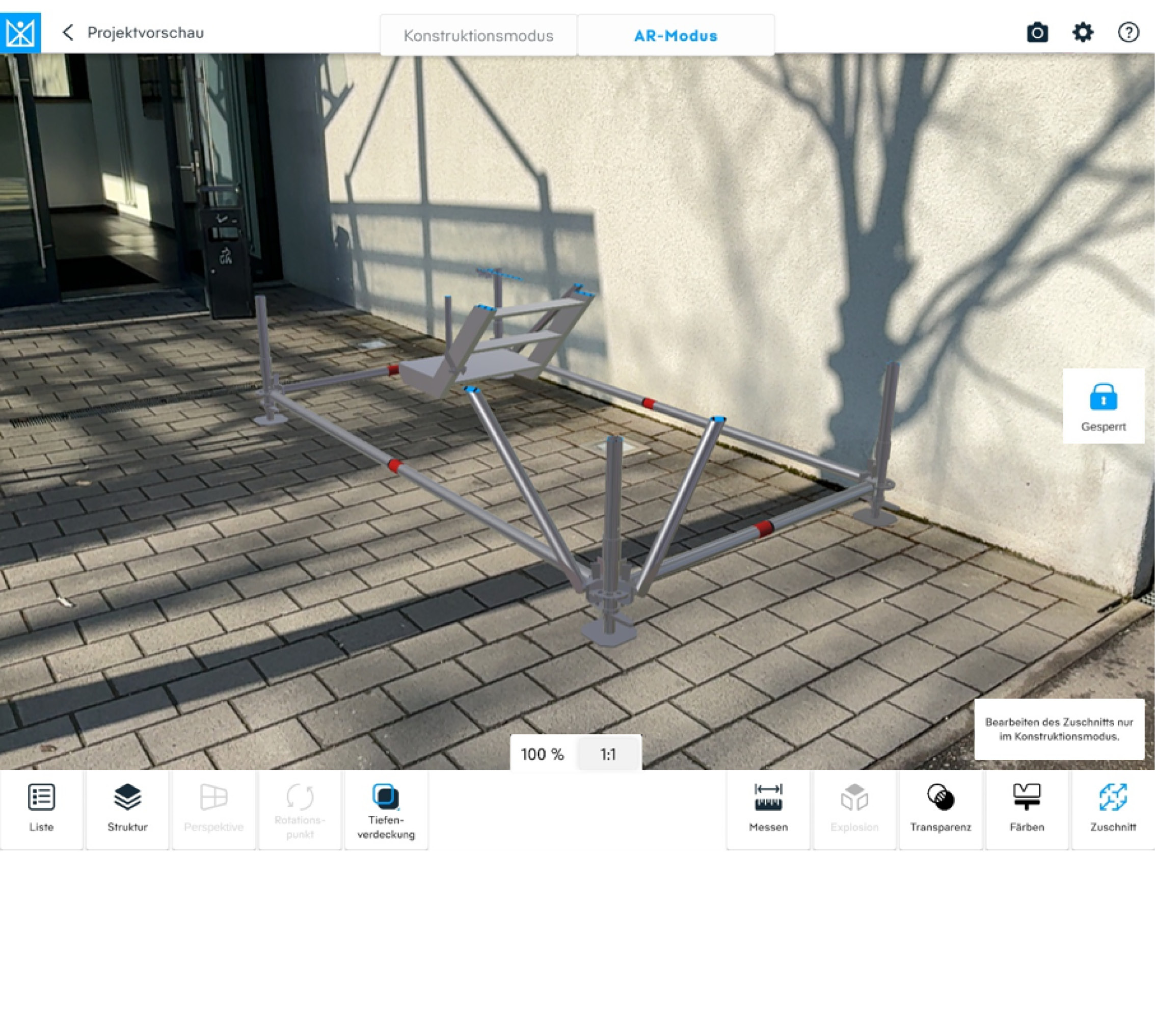
Placing the virtual scaffolding in the real environment using augmented reality: The set-down point can be defined beforehand in construction mode by selecting a base spindle. The model can be aligned using familiar finger gestures. The pivot point can be defined by selecting the foot spindle. The construction can be locked to prevent unintentional movement.
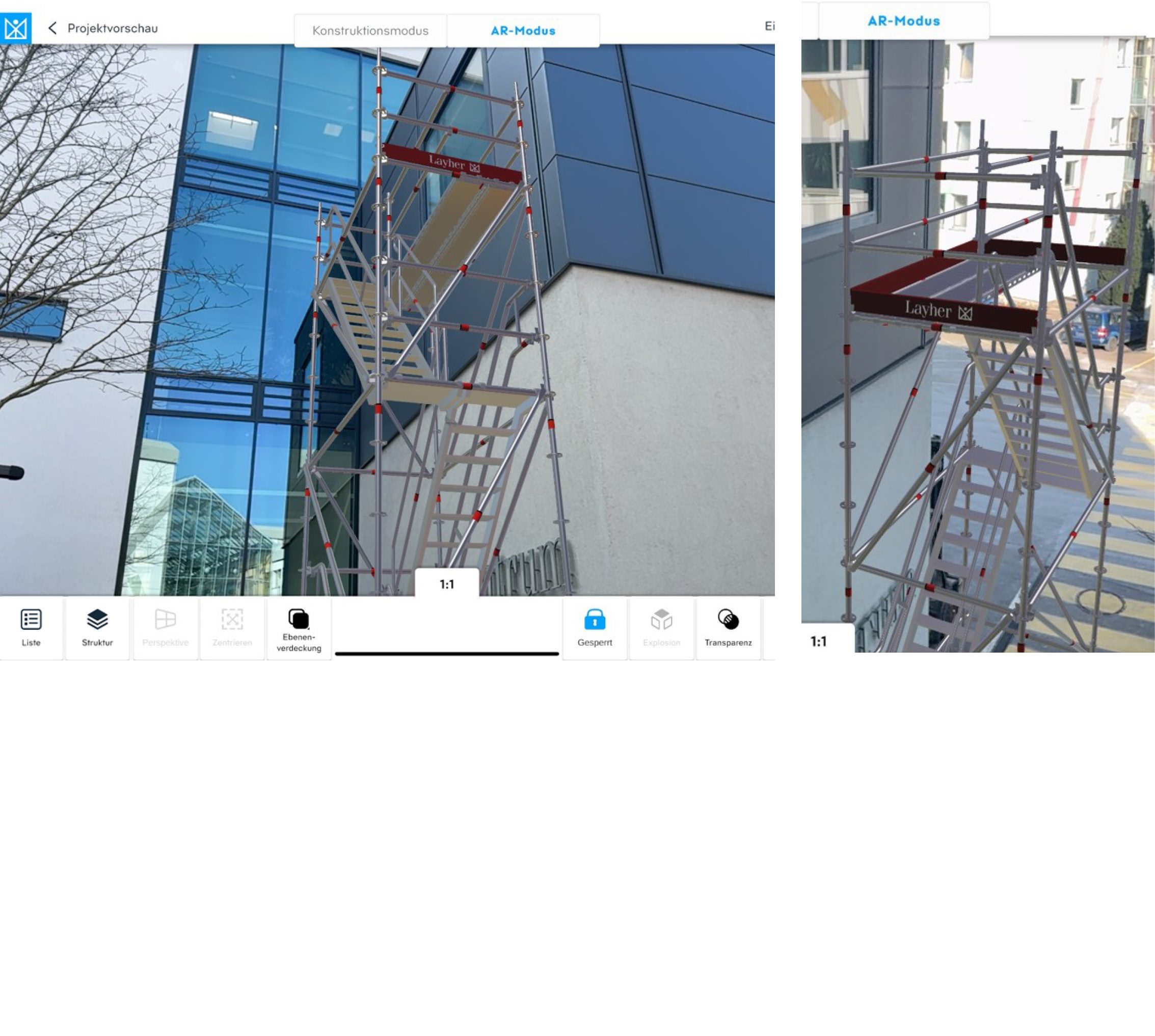
Augmented reality mode with cutting function (limit box) for visualising parts of the scaffolding structure

The Benefits for You

Loading component...

  • Direct use of the 3D scaffolding models as support during scaffolding assembly
  • Reduction of 2D assembly plans (paper plans)
  • Intelligent and interactive parts list function
  • Quick identification of scaffolding components
  • Cutting function for displaying partial areas
  • Display of virtual scaffolding in the real environment for coordination in advance
  • Simple use of the app without registration
Requirements
  • Tablet with iPadOS from Version 12.0
    Recommended: iPad Pro 5th Generation or newer
  • Android Tablet with min. Android 12
  • Windows 11 (with the Windows-Version the Augmented reality mode is not available)